

Warning: Undefined array key 0 in /home/trytech2604/iheartalive.jp/public_html/wp/wp-content/themes/iheart2018/single.php on line 26
Warning: Attempt to read property "cat_name" on null in /home/trytech2604/iheartalive.jp/public_html/wp/wp-content/themes/iheart2018/single.php on line 26
Warning: Undefined array key 0 in /home/trytech2604/iheartalive.jp/public_html/wp/wp-content/themes/iheart2018/single.php on line 26
Warning: Attempt to read property "cat_ID" on null in /home/trytech2604/iheartalive.jp/public_html/wp/wp-content/themes/iheart2018/single.php on line 26
iheartアプリの入手と設定
お手持ちのiPadまたはiPhoneにAppleストアからiheartアプリ(無料)を入手した後、Bluetooth(ブルートゥース) をオンにしてiHeartデバイスと同期してください。測定時にはiPhone/iPadがインターネットに接続されている必要があります。
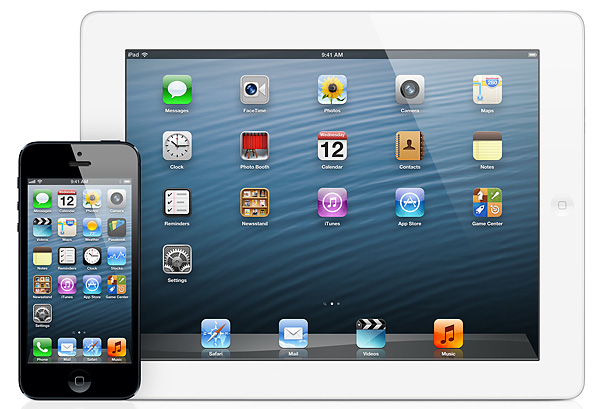
図3 Apple iPad と iPhone